AI agents can drive it
Claude Code and other MCP clients can capture, list files, read text and convert formats for you. Off until you switch it on. The URL scheme and command-line flags are available again too.
SnapDays is a macOS screenshot tool built for what comes next — organizing, annotating, and reusing your captures.
Always free
Core capture features are free with no limits. Four capture modes, gallery, annotations, and AVIF export — all included at no cost.
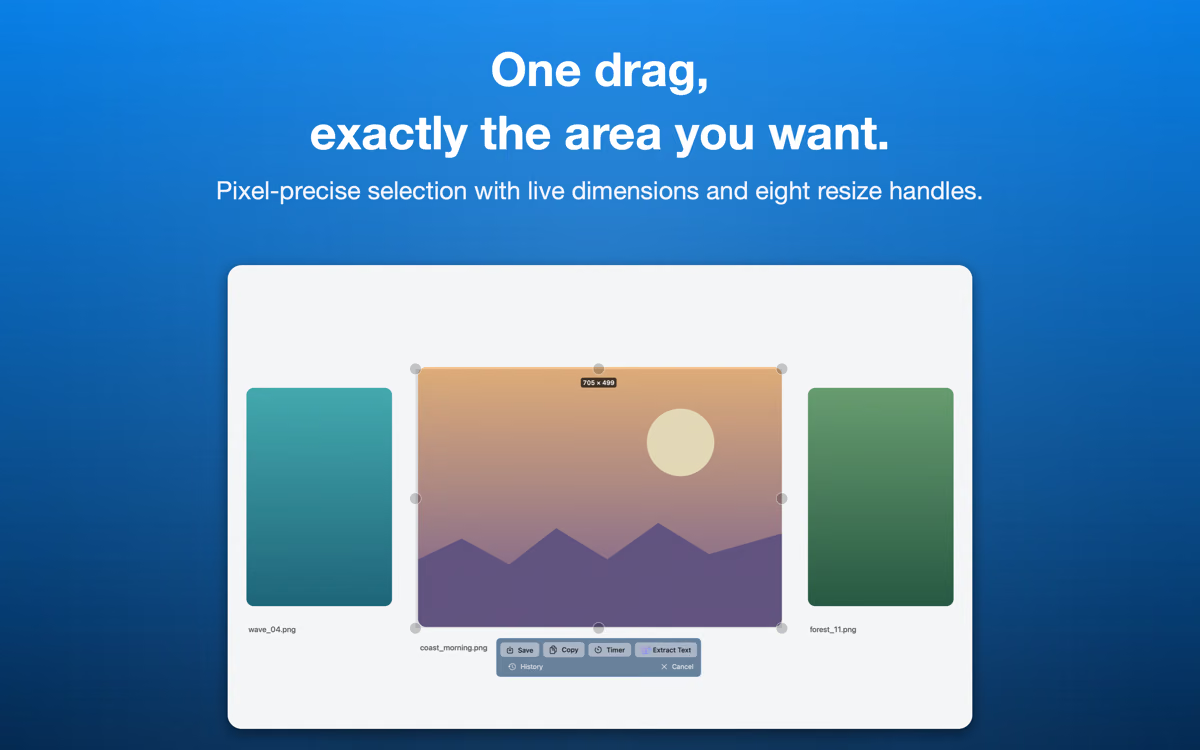
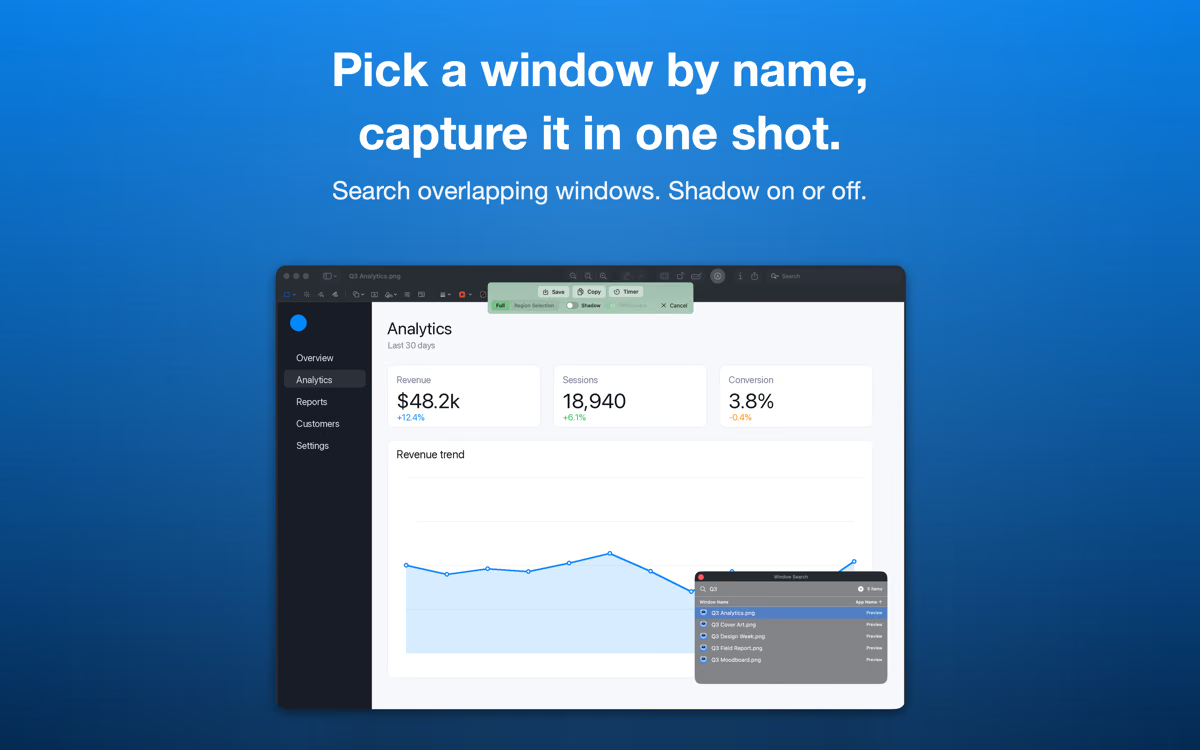
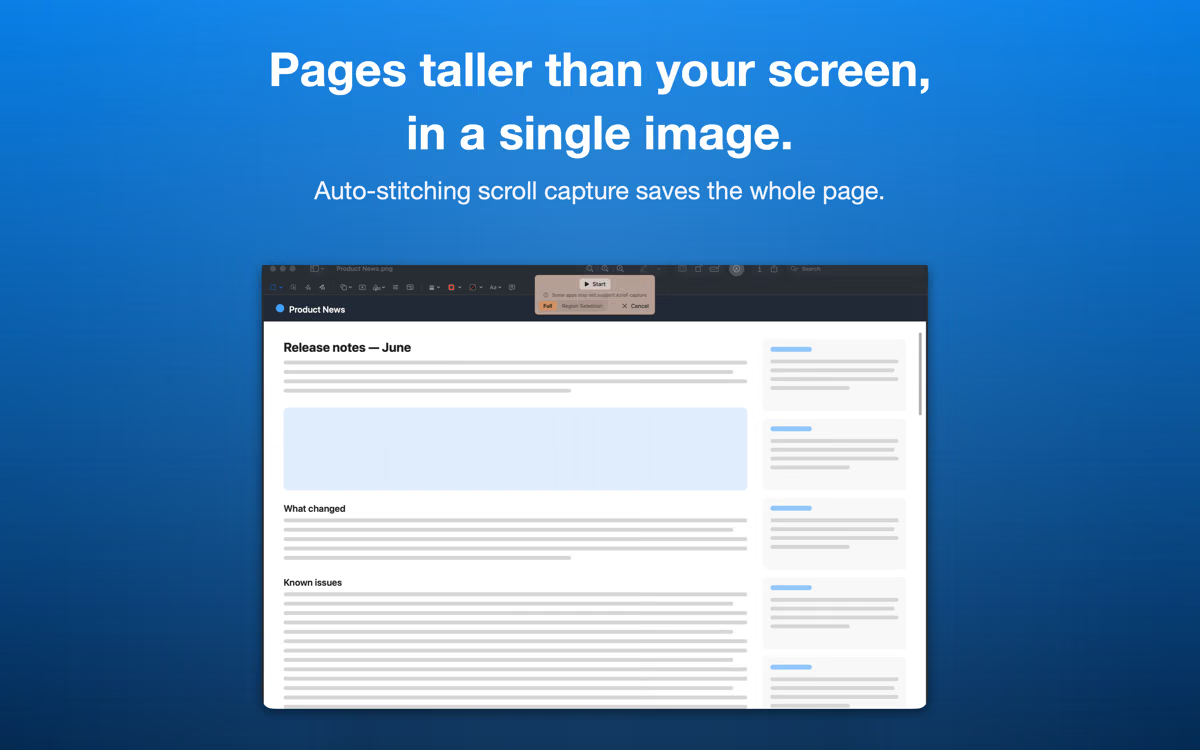
Selection, window, full screen, and scrolling page capture. Timer support. Multi-display ready.
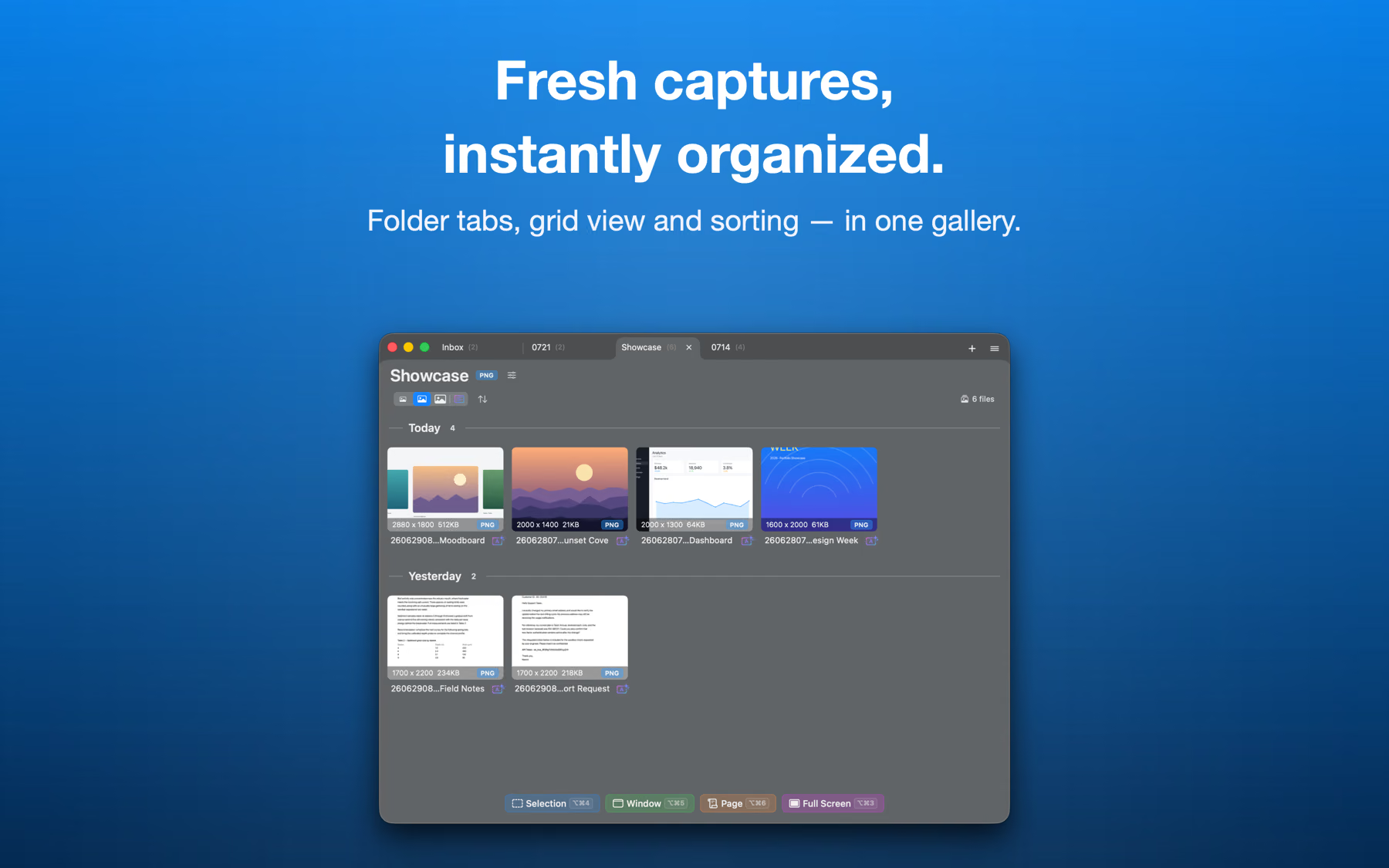
Browse all your captures in folder tabs. Quick Look and filtering. Drop images or folders onto the Dock icon to bring them in. Unlimited.
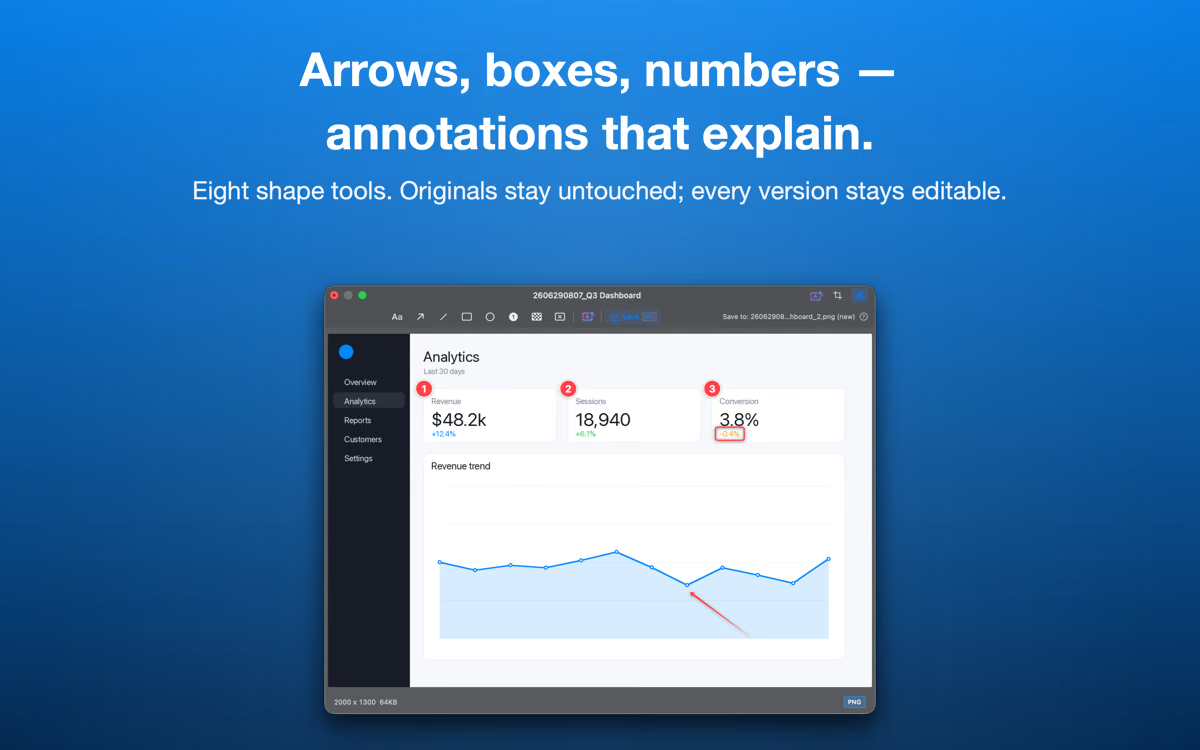
Arrows, shapes, text, number badges, and mosaic. Re-editable anytime — your originals stay untouched.
Save as PNG, JPEG, or AVIF — up to 50% smaller than PNG.
SnapDays Pro
Unlock powerful features for power users — list view, batch operations, text recognition actions, and AI assistant integration. Buy once. No subscription.
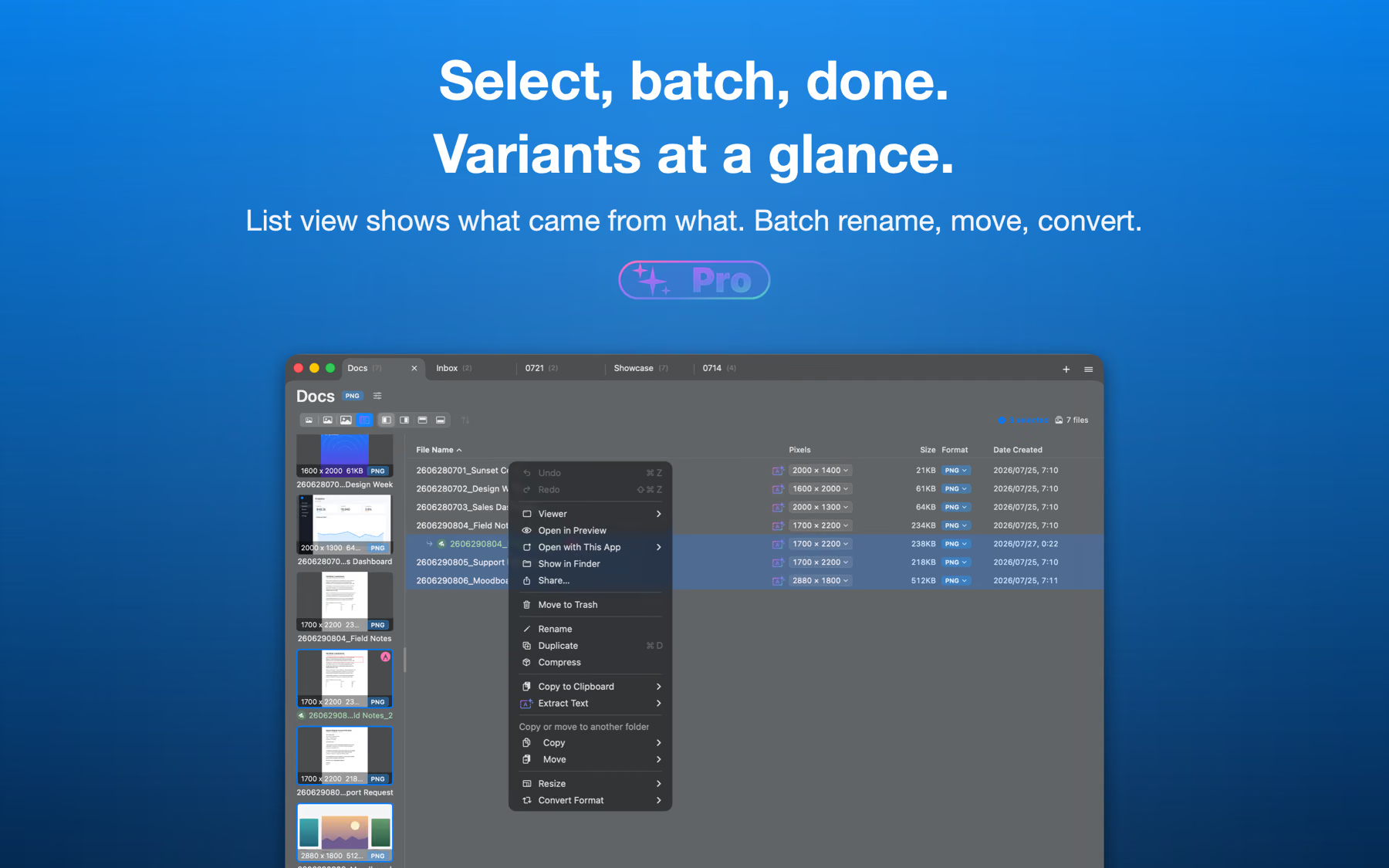
See your captures as a detailed list with names, dates, and sizes — beyond thumbnails.
Select many captures at once and move, copy, convert, or delete them together.
Rename dozens of files in one go with numbered patterns and smart name suggestions.
Copy recognized text from any screenshot, name files from their content, and place annotations on text.
Ask Claude Code or any MCP client to capture, read text, and convert formats. Off until you switch it on — and it never opens a network port.
What's new
Claude Code and other MCP clients can capture, list files, read text and convert formats for you. Off until you switch it on. The URL scheme and command-line flags are available again too.
Drop images or folders on the Dock icon to bring them in, pick which screen to capture, and see why a permission is needed before macOS asks. Page capture no longer saves a single screen in silence when it cannot scroll.
A screenshot tool built for what comes after the capture — a browsable gallery, re-editable annotations, and text recognition.
Pricing

Free features (capture, gallery, annotations, AVIF) are always free — no time limit.